Author: Sriraj Mohan
UI/UX Designer
Common UI Design Mistakes That Hurt Usability and User Experience
Common UI Design Mistakes That Hurt Usability and User Experience
Common UI Design Mistakes That Hurt Usability and User Experience
Many digital products fail not because of poor ideas, but because of common UI design mistakes. This article highlights the most frequent UI design errors that reduce usability, confuse users, and negatively impact user experience, along with why avoiding these mistakes is critical in modern UI design.
Many digital products fail not because of poor ideas, but because of common UI design mistakes. This article highlights the most frequent UI design errors that reduce usability, confuse users, and negatively impact user experience, along with why avoiding these mistakes is critical in modern UI design.
Many digital products fail not because of poor ideas, but because of common UI design mistakes. This article highlights the most frequent UI design errors that reduce usability, confuse users, and negatively impact user experience, along with why avoiding these mistakes is critical in modern UI design.
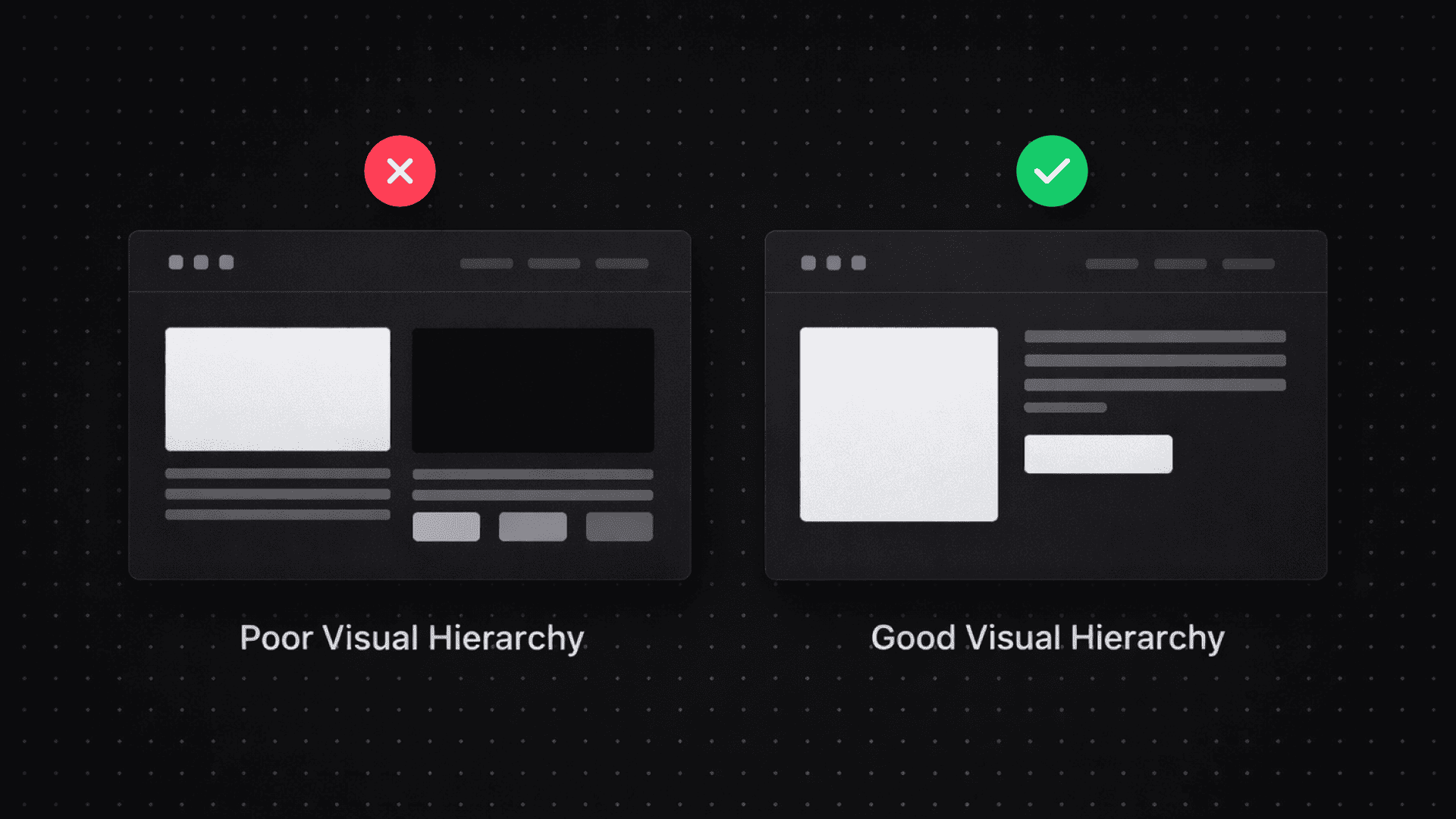
poor visual hierarchy is the most common ui design mistake
poor visual hierarchy is the most common ui design mistake
Poor visual hierarchy is one of the biggest reasons users struggle with interfaces. When everything on a screen looks equally important, users do not know where to focus or what action to take next. This leads to hesitation, frustration, and abandonment.
Good UI design uses hierarchy to guide attention. Typography size, spacing, contrast, and layout structure help users understand priority and flow. Without a clear hierarchy, even well designed interfaces can feel overwhelming and difficult to use.
Fixing hierarchy issues often improves usability more than adding new features or visual effects.
Poor visual hierarchy is one of the biggest reasons users struggle with interfaces. When everything on a screen looks equally important, users do not know where to focus or what action to take next. This leads to hesitation, frustration, and abandonment.
Good UI design uses hierarchy to guide attention. Typography size, spacing, contrast, and layout structure help users understand priority and flow. Without a clear hierarchy, even well designed interfaces can feel overwhelming and difficult to use.
Fixing hierarchy issues often improves usability more than adding new features or visual effects.
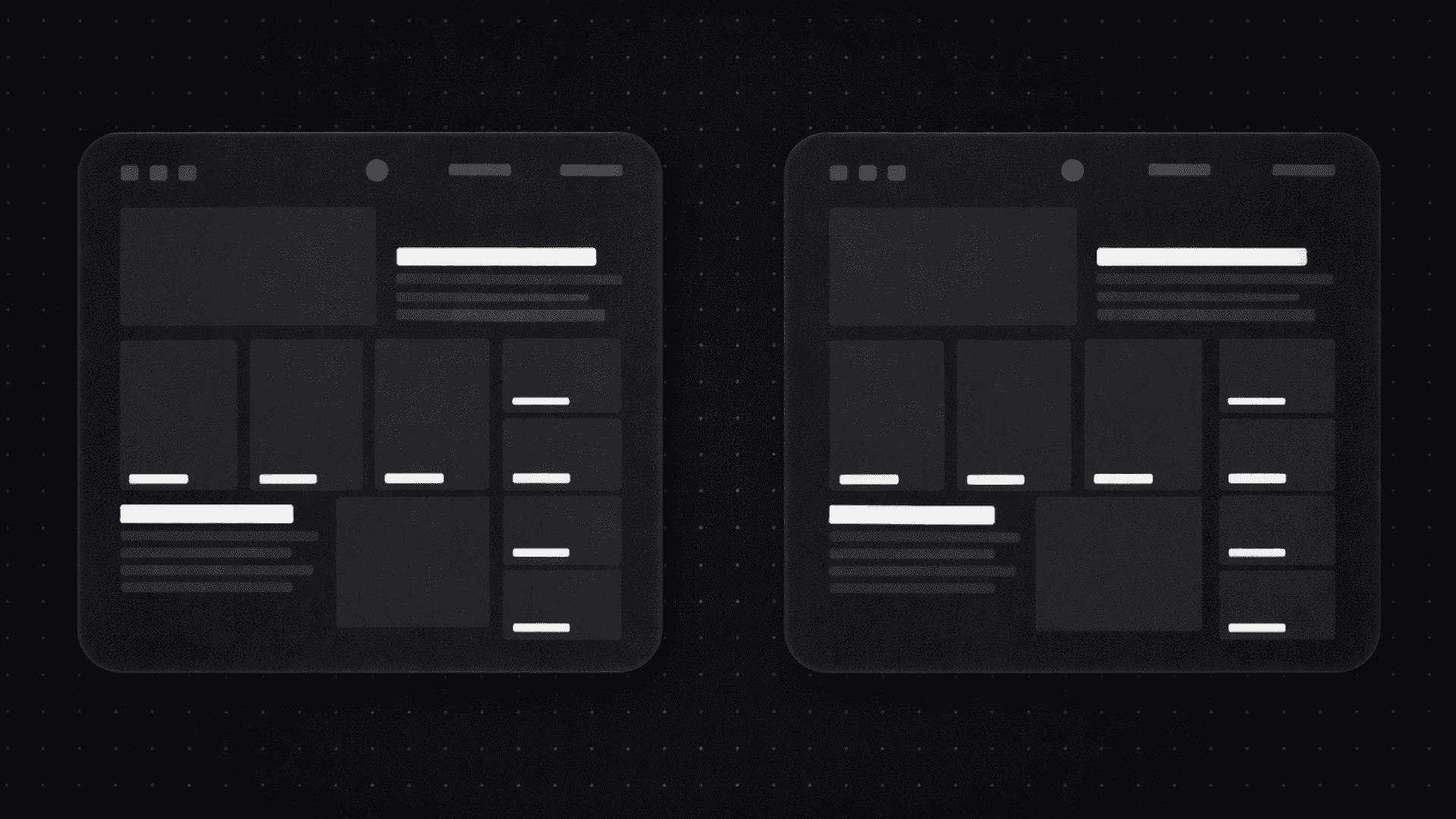
inconsistent ui patterns confuse users
inconsistent ui patterns confuse users
Inconsistent UI patterns create confusion and break user trust. When buttons behave differently across screens, spacing changes randomly, or layouts shift without reason, users are forced to relearn the interface repeatedly.
Consistency is a core principle of good UI design. Reusing components, maintaining spacing rules, and following predictable interaction patterns help users feel comfortable and confident while navigating a product.
Interfaces that lack consistency often feel unpolished and harder to use, even if individual screens look visually appealing.
Inconsistent UI patterns create confusion and break user trust. When buttons behave differently across screens, spacing changes randomly, or layouts shift without reason, users are forced to relearn the interface repeatedly.
Consistency is a core principle of good UI design. Reusing components, maintaining spacing rules, and following predictable interaction patterns help users feel comfortable and confident while navigating a product.
Interfaces that lack consistency often feel unpolished and harder to use, even if individual screens look visually appealing.
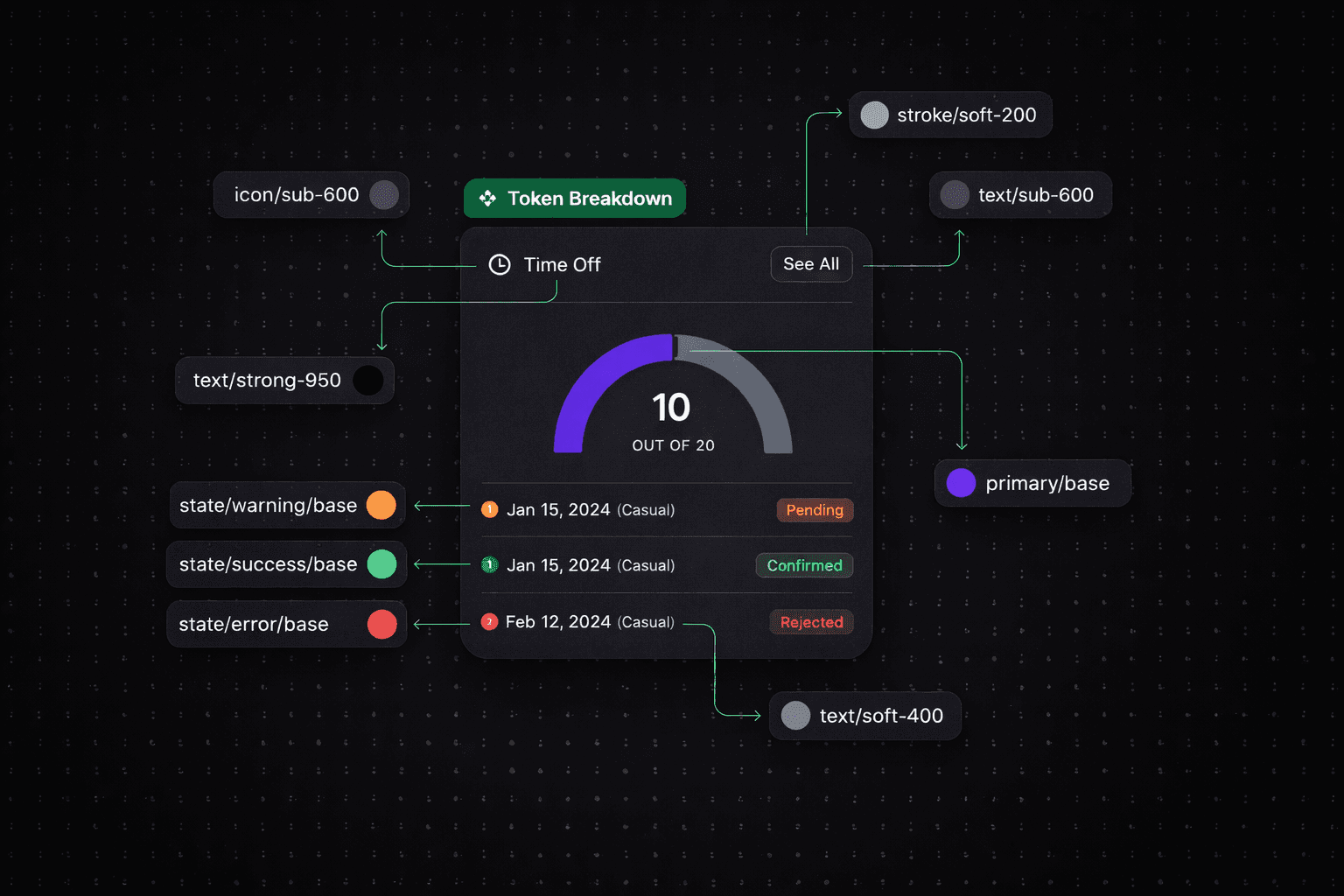
designing for aesthetics instead of usability
designing for aesthetics instead of usability
Another common UI design mistake is prioritizing aesthetics over usability. Excessive animations, decorative elements, and unconventional layouts may look impressive but often make interfaces harder to use.
Good UI design balances visual appeal with function. Every design decision should help users complete tasks more easily. If an element does not improve clarity, navigation, or interaction, it becomes noise.
Designing with usability first ensures that interfaces remain effective, accessible, and user focused as products grow.
Another common UI design mistake is prioritizing aesthetics over usability. Excessive animations, decorative elements, and unconventional layouts may look impressive but often make interfaces harder to use.
Good UI design balances visual appeal with function. Every design decision should help users complete tasks more easily. If an element does not improve clarity, navigation, or interaction, it becomes noise.
Designing with usability first ensures that interfaces remain effective, accessible, and user focused as products grow.
More Blogs More Blogs

What Recruiters Actually Look for in UI/UX Designers in 2026
What Recruiters Actually Look for in UI/UX Designers in 2026

How to Build a UI/UX Case Study on Behance That Gets You Noticed
How to Build a UI/UX Case Study on Behance That Gets You Noticed

Why Most UI/UX Portfolios Fail And What Actually Gets You Hired
Why Most UI/UX Portfolios Fail And What Actually Gets You Hired